
Video review here:
https://www.youtube.com/watch?v=vYCnNSi0Fro
Video and Written review by Kenzou (Gamers’ Generation).
Original Review date: July 1st, 2024 (Edited June 1st, 2025)
Table of Contents
- Introduction
- What’s New in the Viture Pro XR Glasses
- Display Quality and Brightness
- Electrochromic Dimming: Pros and Cons
- Comfort and Design Improvements
- Connectivity and Cable Options
- Missing Features: Pinning and Transparency
- Should You Upgrade?
- Conclusion
- Product Specifications
Introduction
One month into using the Viture Pro XR Glasses, it’s clear they are more than just a minor upgrade from the original Viture One. With enhanced features and improved usability, the Pro model aims to elevate the portable XR experience for gamers, media consumers, and productivity users. This article explores the real-world use of the Viture Pro after a month of daily wear, highlighting the wins, flaws, and whether it’s a worthy upgrade.
What’s New in the Viture Pro XR Glasses
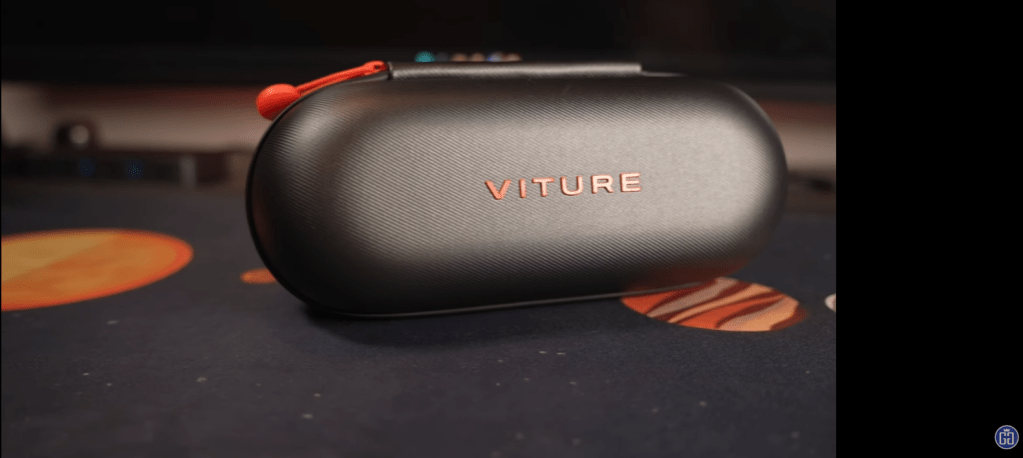
The Pro model builds on the strengths of the original with improvements in brightness, field of view, and on-screen display options. The packaging and overall presentation remain top-notch—true to Viture’s premium branding.
One of the biggest hardware changes is the electrochromic dimming technology. Originally, there was a dimming setting that partly darkened the lenses, but now SIGNIFICANTLY darkens them (reportedly 99% dimmed). This makes on-screen content more visible in bright environments without relying on detachable shades or lens covers.
Display Quality and Brightness
With birdbath optics and micro-OLED panels, the Pro delivers a 135-inch virtual display viewed from about 3 meters. The brightness has been improved dramatically, reaching levels that are even effective outdoors in direct sunlight. However, in extremely bright scenes, blacks can appear somewhat transparent, leading to slight contrast issues in brightly lit rooms.
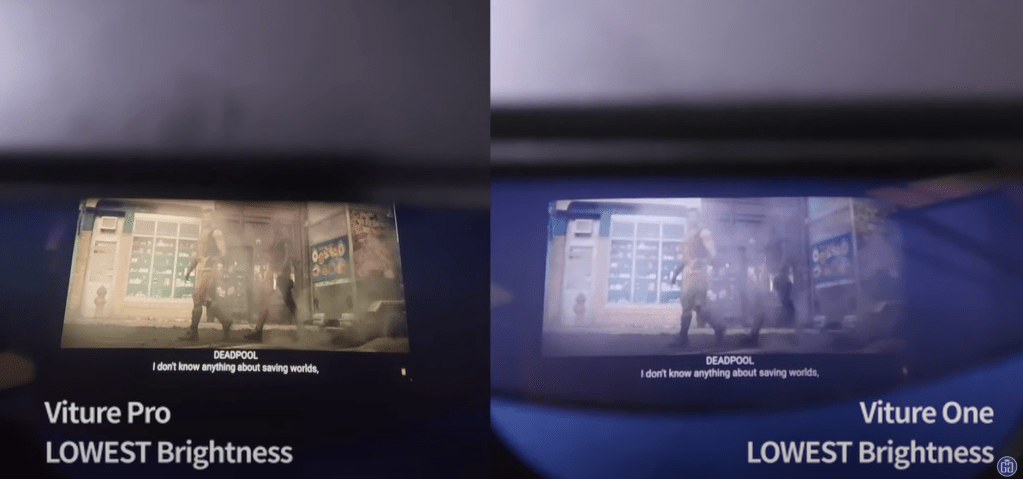
The field of view is also slightly wider at 46° (up from 43° in the original), although the difference is probably only noticeable in a side-by-side comparison.
Electrochromic Dimming: Pros and Cons
The standout new feature, electrochromic dimming, darkens the lens up to 99%. It’s excellent for stationary indoor use but can be dangerously effective while walking outside, as it significantly reduces visibility. In practice, the need for physical lens shades is virtually eliminated, which simplifies use.


However, the dimming is almost too good—it’s as not practical to use while moving around outdoors, because you might just crash into something; which makes the feature a bit of a double-edged sword. Thankfully the display is so bright, you can almost blind yourself even without the dimming.

Comfort and Design Improvements
While the overall build is similar, small tweaks have made the experience more enjoyable:
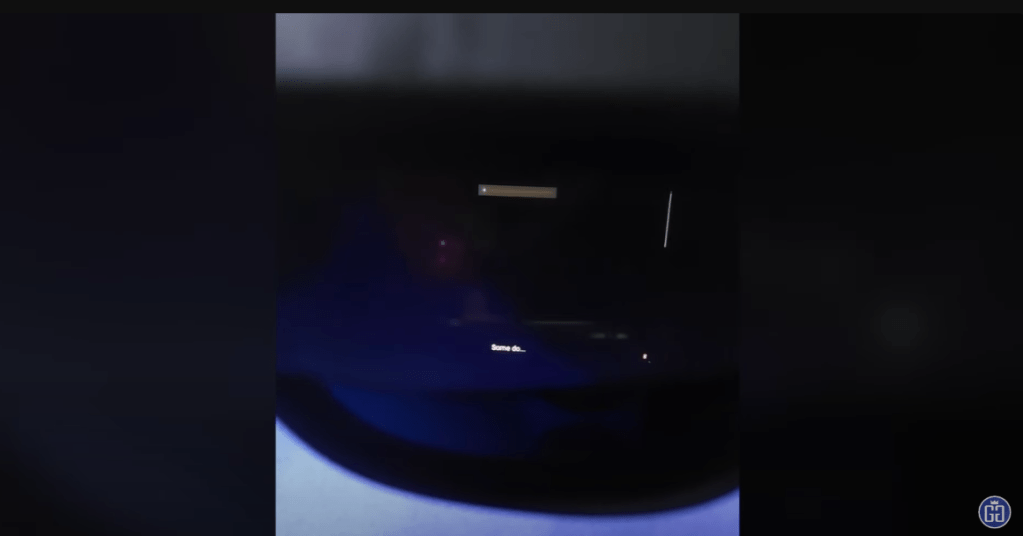
- On-screen display now shows brightness levels, which helps manage screen settings more intuitively.
- The glasses still use a proprietary cable, but an adapter now allows for USB-C with DisplayPort Alt Mode, reducing reliance on Viture’s included cables.
- The presentation and packaging remain exceptional, with an Apple-like unboxing experience.
Connectivity and Cable Options
The original Viture glasses lacked flexibility due to the proprietary, unbraided cable. That’s largely resolved with a new USB-C adapter, allowing users to connect braided cables of their choosing—as long as they support DisplayPort Alt Mode.
**EDIT** The original review and video was incorrect about this point. The magnetic adapter you can purchase is primarily used for the Viture One LITE glasses as well as allowing for things like the Viture Pro Neckband to connect to an external display.
Accessories like the Neckband and Mobile Dock add additional functionality, helping the glasses integrate better with various devices.
Missing Features: Pinning and Transparency
One feature that some users may miss is pinning (3DOF). This was a function that allowed users to freeze an image in space and return to it later by looking in the same direction. This was reportedly removed due to performance issues in the original version and hasn’t yet returned in the Pro.
Additionally, the transparency level of the glasses has been reduced. While this helps with immersion, it also makes it less practical for use on the go.
Should You Upgrade?
- If you already own the original Viture XR Glasses, this is a nice upgrade but not essential unless you crave better brightness and dimming.
- If you’re new to XR glasses, the Viture Pro is arguably the most well-rounded option in the market right now, with a strong ecosystem and robust support.
- If you’re budget-conscious, you may want to weigh this against alternatives like the Quest 3 or portable gaming handhelds like the ROG Ally.
Conclusion
The Viture Pro XR Glasses are a refined, immersive, and impressively designed piece of tech. They strike a careful balance between form, function, and performance, pushing the envelope for XR eyewear. While not without flaws—like overly strong dimming and the lack of pinning—they are arguably the best choice for new buyers entering the XR glasses space today.
 Gamers' Generation
Leave a comment